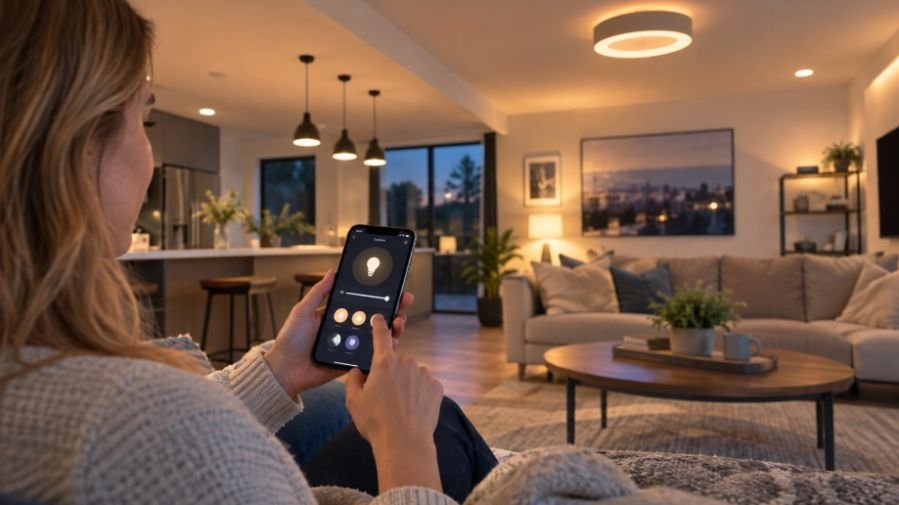
I used to think changing a light meant walking over to a switch and flipping it. After trying app-controlled lighting, I noticed how useful a light became when I could adjust it from my phone, set a schedule, or turn it off after leaving. The convenience became part of my routine.
I also realized that smart lighting works best when it solves a real problem. A bedside lamp that dims at night, porch lights that follow sunset, or ceiling lights controlled together can make a home easier to manage. That is where thoughtful app controlled lighting installation becomes more valuable than simply buying colorful bulbs.
What App-Controlled Lighting Actually Changes
Traditional lighting gives you a basic choice: on or off, with dimming available in some fixtures. App-controlled lighting adds control over brightness, color temperature, scenes, schedules, and remote access.
The app is only part of the system. Intelligence may sit inside a bulb, switch, dimmer, plug, or fixture. Products use Wi-Fi, Bluetooth, or hubs. The setup depends on the room, wiring, and control you want.
Choose the Right Hardware
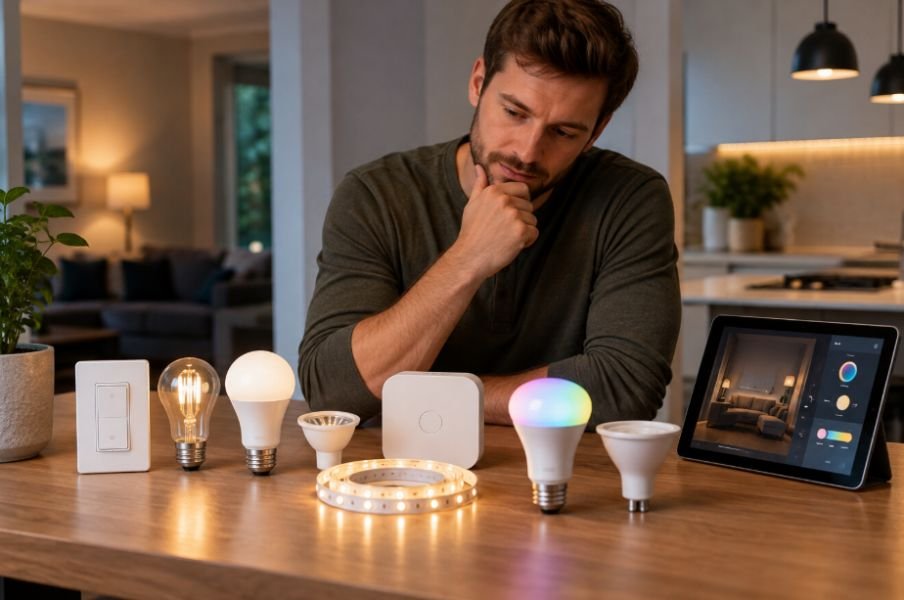
Smart bulbs are usually the easiest starting point because they fit compatible sockets without changing household wiring. They work well for lamps where you want separate brightness or color control.
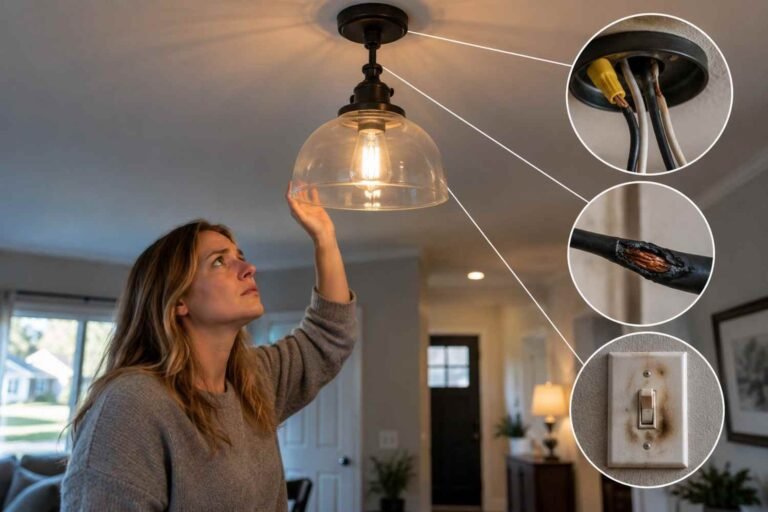
Smart switches and dimmers make more sense when several bulbs are controlled from one wall switch. One switch can bring app control to an entire circuit. Electrical compatibility matters, though. Some require a neutral wire, which may be missing in older homes. When wiring is uncertain, use a qualified electrician.
Smart plugs are another simple option for lamps and plug-in fixtures. They generally provide on-and-off control rather than full dimming, but they can handle schedules without changing the fixture.
Plan Before Installation
Start by identifying what you want the lighting to accomplish. A bedroom may benefit from gentle schedules, while a kitchen needs dependable task lighting. A porch might benefit from sunset scheduling.
Check the fixture type, bulb base, voltage requirements, dimmer compatibility, and manufacturer’s specifications before buying. If several lights need to work together, confirm they use the same platform. Discovering that a room needs another app after installation is frustrating.
Your network matters too. Some products require 2.4 GHz Wi-Fi during setup, while others support newer standards. Make sure the installation area has a reliable connection, especially for remote control.
How App Controlled Lighting Installation Works
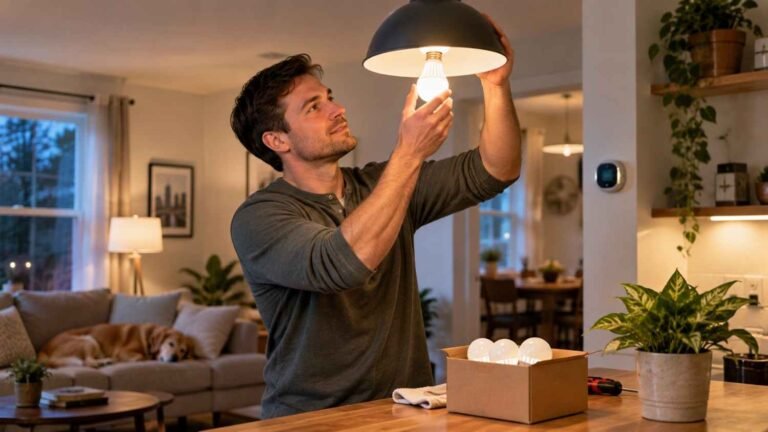
For a smart bulb, the physical process is straightforward: turn off the fixture, remove the old bulb, install the compatible smart bulb, and restore power. The manufacturer’s app can then guide pairing and setup.
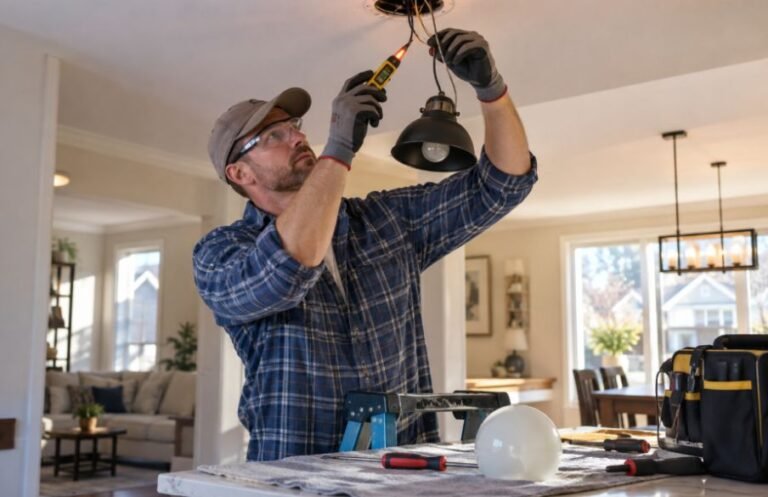
Hardwired switches and dimmers are different. Turn off power at the appropriate breaker before electrical work, and follow device instructions and local requirements. If you cannot safely identify conductors or verify that a circuit is de-energized, use professional installation.
Once the hardware is ready, download the manufacturer’s app, add the device, connect it to the network, and give it a useful name. “Living Room Floor Lamp” is easier to manage than a generic device name.
Turn Installation Into Automation
The real value appears after installation. Create schedules around daily routines. Bedroom lights can dim in the evening. Entry lighting can come on around sunset. Vacation schedules can make selected rooms appear occupied.
You can also group lights into scenes. A “Movie” scene might dim overhead fixtures while leaving an accent lamp on. A morning scene could gradually brighten selected lights instead of turning everything on fully.
Motion sensors, occupancy sensors, and geofencing add another layer of automation. Configure them carefully because unnecessary triggers can become annoying and lead people to disable the system.
Used thoughtfully, smart controls can support maintaining energy efficient lighting by making efficient behavior easier to repeat. The technology itself does not guarantee savings. A connected light that stays at full brightness all night can still waste energy.
Avoid Common Installation Mistakes
A few mistakes can make a smart lighting project harder than necessary.
- Mixing incompatible ecosystems can leave you managing several apps and separate routines.
- Installing smart bulbs behind traditional dimmer switches can create compatibility problems.
- Ignoring physical switches can make everyday control frustrating when phones are unavailable.
- Automating too aggressively can activate lights when nobody needs them.
Start with one room, learn how it behaves, and expand gradually. That makes troubleshooting easier.
Make Energy Control Practical
Smart lighting is more useful when efficiency becomes a daily habit. LED technology already uses less electricity than older incandescent lighting, while controls can prevent unnecessary operation.
Scheduling, dimming, occupancy detection, and remote shutoff can help with reducing lighting energy consumption. For example, outdoor lights can follow sunset and turn off at a chosen morning time instead of staying on until someone remembers. Interior lights can be dimmed when maximum brightness is unnecessary.
The benefit is consistency. Automation removes remembering from decisions.
Why a Thoughtful Setup Matters
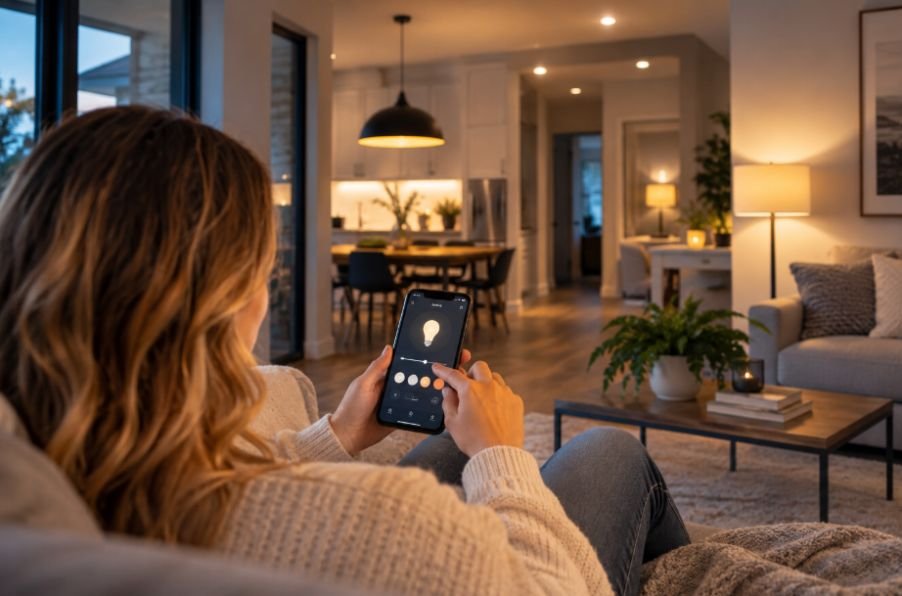
Good app-controlled lighting is less about filling a home with gadgets and more about matching control to everyday needs. The best installation may include smart bulbs in lamps, a smart dimmer for an overhead circuit, and schedules where lights are forgotten.
Checking compatibility, wiring, network requirements, and control preferences before installation can prevent frustration. It also creates a system that can grow naturally.
The technology should disappear into the routine. When the right light appears when needed, dims when wanted, and switches off automatically, smart lighting has done its job.
Frequently Asked Questions
1. Is app-controlled lighting difficult to install?
Smart bulbs and plugs are generally simple because they do not require rewiring. Hardwired switches and dimmers involve electrical connections and may require professional installation.
2. Does app-controlled lighting need Wi-Fi?
Not every system works the same way. Some products use Wi-Fi, while others use Bluetooth or a hub. Check connectivity requirements before purchasing.
3. Can smart lighting reduce electricity use?
It can. Scheduling, dimming, occupancy detection, and remote shutoff can reduce unnecessary use. The biggest gains come from pairing efficient LEDs with sensible controls.
4. Should I install smart bulbs or smart switches?
Choose smart bulbs for individual lamps or color control. Smart switches are better when one wall control operates several compatible bulbs or fixtures. Wiring and desired control should guide the decision.