
I used to think creating intelligent exterior lighting meant replacing every fixture and learning a complicated home automation system. In reality, smart outdoor lighting for beginners can start with something as simple as connecting existing patio lights to a weather-resistant smart plug. The important part is choosing a solution that matches the location, power supply, wireless network, and way you use the space.
A thoughtfully planned system can improve visibility around steps and entrances, make outdoor areas more inviting, and reduce the amount of time lights operate unnecessarily. Instead of attempting to automate the entire property immediately, begin with one clearly defined area and expand after learning how the equipment works.
What Is Smart Outdoor Lighting?
Smart outdoor lighting includes exterior bulbs, fixtures, switches, plugs, and landscape-lighting transformers that can be controlled digitally. Depending on the product, you may operate it through a mobile app, voice assistant, schedule, motion sensor, or another connected device.
Unlike a traditional timer that follows the same fixed schedule, an intelligent system can adapt to changing sunset times or respond to activity. A porch light can activate automatically at dusk, pathway lights can brighten when movement is detected, and patio fixtures can change brightness for dining or entertaining.
Ways to Make Outdoor Lights Smart
There is no single solution that works for every property. Understanding the available options helps prevent unnecessary replacements and compatibility problems.
Install Smart Outdoor Bulbs
A smart bulb is an accessible option when the existing fixture is in good condition. It can add remote control, scheduling, dimming, and adjustable color without requiring major electrical work.
The bulb must be suitable for the fixture and its exposure. A bulb inside a covered porch fixture faces different conditions from one installed in a fitting exposed to rain. The physical switch generally needs to remain on so the bulb can stay connected and receive commands.
Use a Weather-Resistant Smart Plug
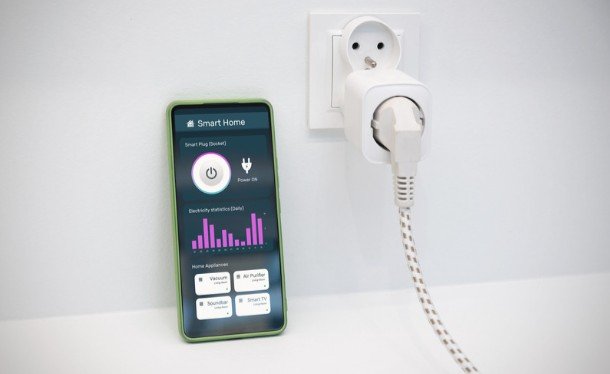
An outdoor smart plug can control existing string lights, holiday decorations, fountains, or plug-in landscape lights. It is particularly useful for renters and homeowners who do not want to alter permanent wiring.
Every connected component must be approved for exterior use. The outlet, plug, cord, and lighting equipment should be protected from moisture, physical damage, and standing water.
Add a Smart Switch
A smart switch can control several conventional fixtures simultaneously. This works well when porch, garage, or exterior wall lights already operate from one switch.
Switch compatibility depends on the wiring and electrical load. Some models need a neutral wire, while others require a separate hub. Because installation involves household wiring, a qualified electrician should complete the work when the existing arrangement is uncertain.
Replace the Complete Fixture
A dedicated smart fixture may include dimming, color adjustment, motion detection, a camera, or two-way audio. Replacing the complete unit makes sense when an old fixture is damaged, inefficient, or unable to accommodate a suitable smart bulb.
Control Landscape Lights with a Smart Transformer
Low-voltage landscape systems commonly use a transformer to convert household electricity to a lower voltage. A smart transformer can manage several path lights, spotlights, or garden fixtures from one controller. Its wattage capacity should comfortably support the combined load of all connected fixtures and leave room for future additions.
Understand Smart Lighting Connections
Wi-Fi lights connect directly to the home network and are convenient for smaller installations. Many operate only on a 2.4 GHz network, so check the product requirements before buying.
Bluetooth devices can be simple to configure, but direct control may work only when the user is nearby. Zigbee and Thread products frequently communicate through a hub, bridge, or compatible controller. These systems can be useful when numerous lights and sensors must work together.
Matter is designed to improve compatibility among participating smart-home platforms. However, a Matter logo does not guarantee that every advanced function will appear identically in every app. Verify support for Amazon Alexa, Google Home, Apple Home, Samsung SmartThings, or whichever ecosystem you already use.
Plan the Property in Lighting Zones
Walk around the property during daylight and mark entrances, stairs, walkways, the driveway, side gates, patios, decks, and landscape features. Consider what people need to see and what atmosphere each location should create.
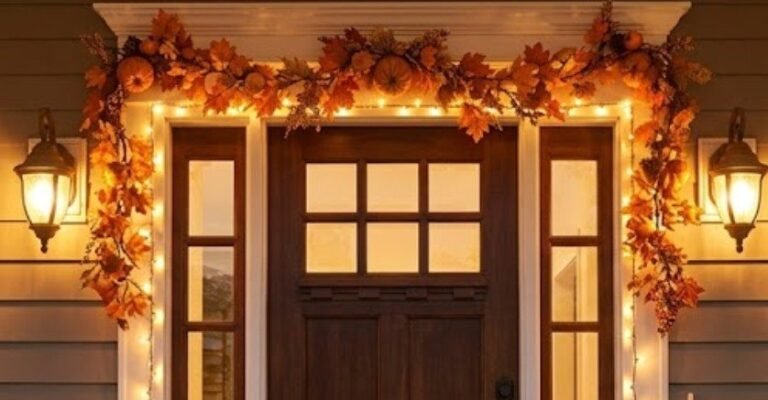
Entrance lighting should make doors, locks, visitors, and house numbers visible. Path lights should reveal changes in direction or elevation without shining into people’s eyes. Patio lighting can remain warm and comfortable, while grilling and food-preparation areas need brighter task illumination.
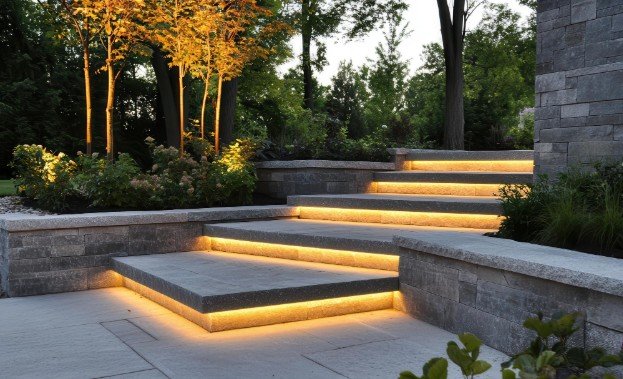
Accent lights can draw attention to trees, stonework, sculptures, and architectural features. Avoid illuminating everything at the same intensity. A mixture of light and shadow adds depth, while excessive brightness creates glare and may affect nearby homes and wildlife.
Check Weather Protection and Wi-Fi Coverage
Outdoor lights need protection appropriate for their exact placement. Review the manufacturer’s damp-location, wet-location, and ingress-protection information instead of assuming every exterior product can tolerate direct rain. The same precaution applies to low voltage landscape lighting, especially when fixtures, cables, or connectors are exposed to moisture.
Test wireless coverage before permanently mounting anything. Stand at the proposed location with a phone and check whether the network remains stable. A weak signal may require a different router position, mesh access point, smart-home bridge, or Thread border router.
Install the System Safely
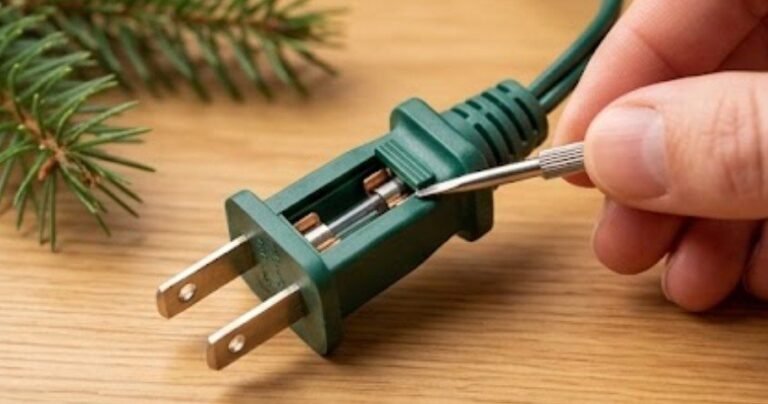
Turn off the relevant power supply before working with fixtures. Plug-in devices should use protected exterior receptacles, and outdoor connections should remain away from areas where water collects. Never use damaged cords or indoor extension leads outside.
Permanent wiring, new switches, and additional circuits should be handled by a qualified electrician. After installation, add one device at a time, assign recognizable names such as Front Porch or Patio Steps, and install available firmware updates.
Create Simple Automations
Begin with a sunset schedule for entrances and social areas. Motion-triggered routines are useful around driveways, gates, steps, and side passages. Lights can remain off or dim during quiet periods and increase in brightness when activity is detected.
Create separate groups for different locations instead of controlling the entire exterior as one zone. Retain a convenient physical control so family members and visitors are not dependent on an app.
Common Mistakes to Avoid
A frequent mistake is buying products from several incompatible ecosystems, resulting in too many apps and unreliable routines. Other problems include ignoring wireless coverage, installing indoor-rated equipment outside, aiming sensors toward roads or moving branches, and placing overly bright fixtures at eye level.
Test one area for several evenings before expanding. Adjust brightness, timing, beam direction, and motion sensitivity based on actual conditions rather than relying only on daytime planning.
Frequently Asked Questions
1. What is the easiest smart outdoor lighting for beginners?
A weather-resistant smart plug connected to existing exterior lights is often the simplest option. A compatible smart bulb installed in a protected outdoor fixture is another convenient starting point.
2. Can smart exterior lights work without the internet?
Some physical switches, local schedules, sensors, and hub-based automations can continue operating. Cloud-dependent app and voice controls may become temporarily unavailable.
3. Should outdoor lights remain on throughout the night?
Not necessarily. Timers, dimming, and motion detection can provide illumination when required without producing continuous brightness or wasting electricity.
4. How often should the system be maintained?
Inspect it seasonally. Clean lenses, remove debris, examine seals and cables, test motion sensors, confirm schedules, and install security or firmware updates.
Final Takeaway
I believe the most successful system is not the one with the greatest number of features. It is the one that solves a specific problem and works reliably without constant attention. Starting with a porch, pathway, or patio makes it easier to understand compatibility, automation, brightness, and placement.
Once the first zone performs consistently, I would add other fixtures gradually and connect them through useful scenes and routines. This measured approach creates an exterior that feels safer, looks more inviting, and remains easy for everyone in the household to control.






One thought on “Smart Outdoor Lighting for Beginners: A Complete Guide”