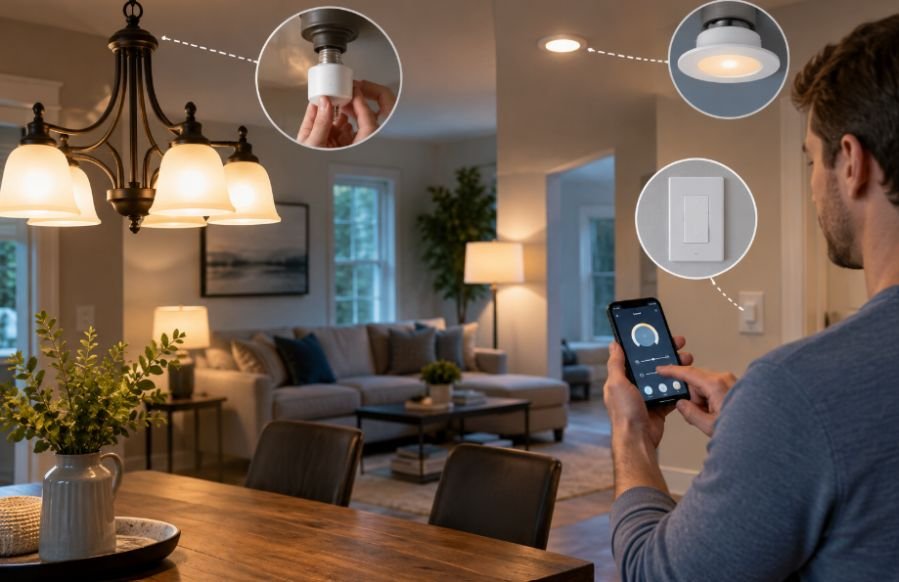
I used to think making a home smarter meant replacing perfectly good fixtures with expensive new ones. Then I started noticing how many ordinary lamps and ceiling lights could gain smart features without changing their appearance, which made the upgrade feel much more practical.
I also realized that the best setup is rarely the one with the most gadgets. What matters is matching the control method to the room, the existing wiring, and the way people actually use the light. That approach can make upgrading traditional lights to smart lighting simpler and less wasteful.
Start With the Fixture You Already Have
A traditional fixture is not automatically outdated. If the socket, bulb type, and electrical setup are compatible, the fixture can often stay exactly where it is. The smart component simply changes how you control the light.
That distinction matters because homeowners sometimes assume smart lighting requires new recessed cans, decorative fixtures, or integrated LED systems. Often, it does not. A standard table lamp may need only a smart plug, while a ceiling fixture may work well with smart bulbs or a smart switch.
The first step is to decide what you want the light to do. Remote on and off control is different from adjustable color temperature, color-changing effects, automated schedules, occupancy sensing, or voice control. ENERGY STAR notes that smart lighting can provide remote control, scheduling, geofencing, sensors, dimming, and color adjustment, although features vary between products.
Choose the Right Retrofit Method
Smart bulbs for individual lights
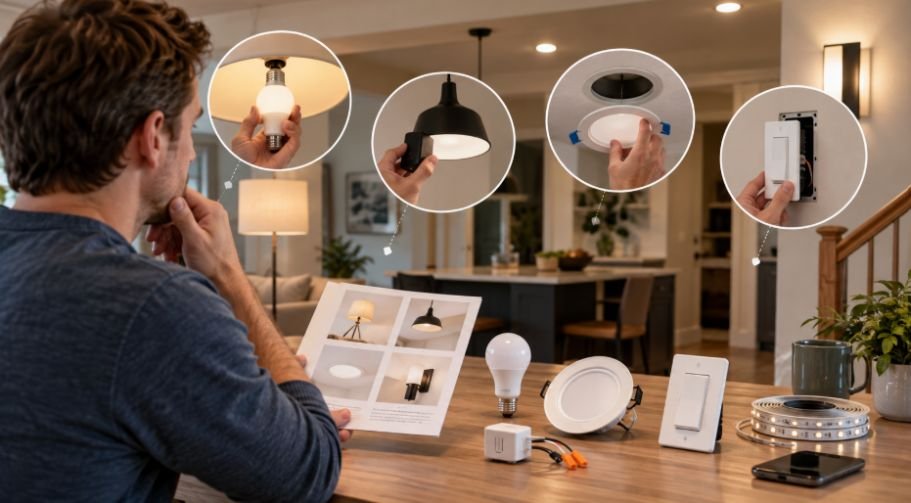
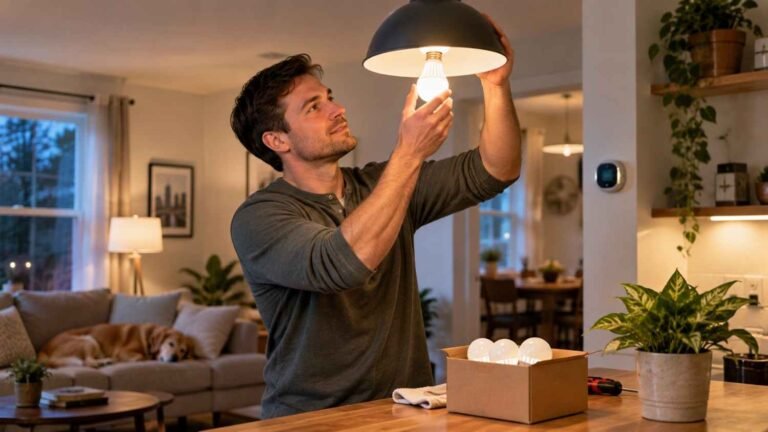
Smart bulbs are usually the easiest retrofit. They screw into compatible existing sockets, so there is no need to open a wall box or change the fixture. They can add dimming, scheduling, scenes, and sometimes adjustable white or full-color lighting.
They work particularly well in bedrooms, reading lamps, accent fixtures, and rooms where you want different lighting moods. The catch is power. If someone turns off the physical wall switch, the smart bulb loses electricity and cannot respond through an app or automation.
Smart switches for whole circuits
A smart switch changes the control point rather than each bulb. That can be useful when one wall switch operates several ordinary bulbs, and you want the whole circuit to become remotely controllable.
This preserves familiar physical control while adding app, voice, scheduling, and automation features. Some smart switches require a neutral wire, while compatibility varies by product and load. Current manufacturer documentation shows that wiring requirements can differ significantly between on/off switches, dimmers, and smart-light modules.
For homeowners considering this route, a smart light installation guide can help explain the installation process and compatibility checks before any switch is purchased.
Smart plugs for lamps
A smart plug is the least invasive option for lamps and other plug-in lighting. You leave the fixture alone, plug it into the smart outlet adapter, and control the power through the compatible app or smart-home system.
Think About How the System Connects
Smart lighting can use Wi-Fi, Bluetooth, Zigbee, Thread, or other communication methods, and some products rely on a hub or bridge. You do not need to understand every protocol to make a good choice, but you should know how the device will connect to your home and which platform you plan to use.
Think about whether you want control through Apple Home, Google Home, Alexa, another platform, or a manufacturer’s app. Interoperability is becoming more relevant as standards such as Matter expand, but individual features can still vary between ecosystems.
Upgrade One Room Before the Whole House
A room-by-room approach can prevent expensive mistakes. Start with a space where smart control solves an obvious problem, such as a bedroom lamp that should turn off automatically, a living room that needs scheduled lighting, or a porch light that should follow a routine.
Live with that setup for a while. Notice whether the controls feel natural, whether anyone keeps using the physical switch, and whether the automation actually helps. Then use what you learned before buying more devices.
Avoid the Small Installation Mistakes
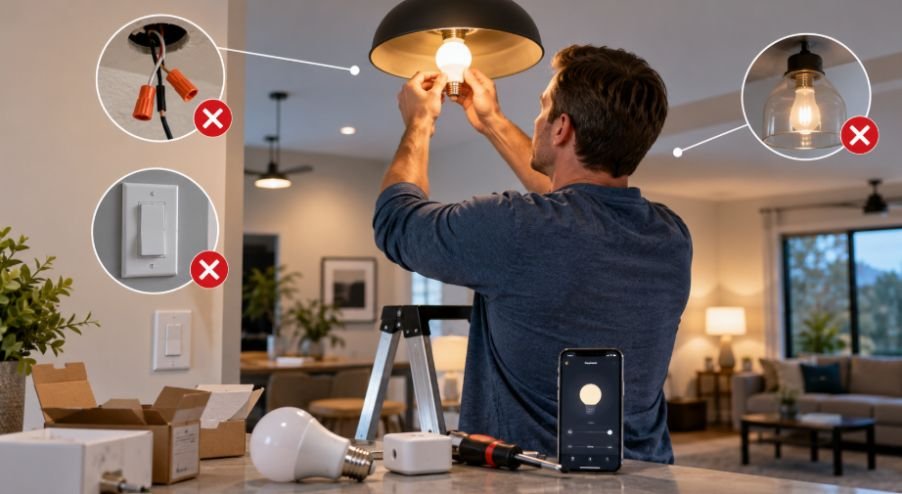
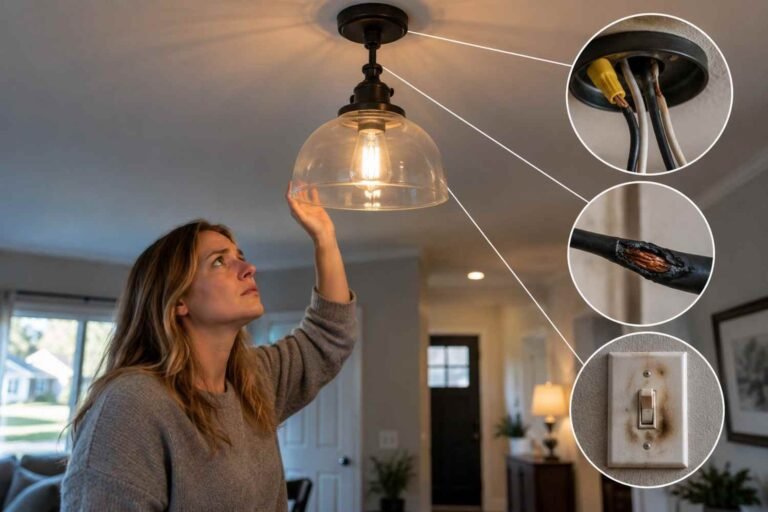
The smartest product can still create headaches when installed without checking the basics. A mismatched dimmer may cause flickering, an incompatible bulb may perform poorly, or a wall switch may simply lack the wiring its installation requires.
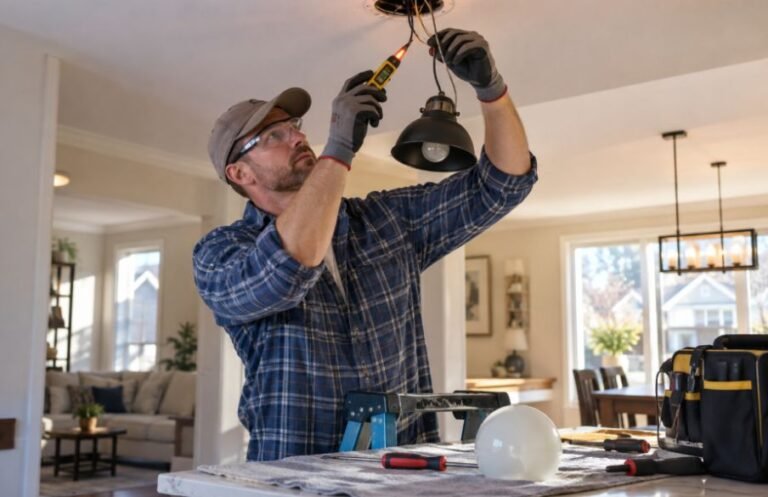
For a hardwired upgrade, take a clear look at the existing setup before removing anything. Turn off power at the breaker, verify that the circuit is actually de-energized, and follow the manufacturer’s wiring diagram. If the project involves uncertainty, stop and get professional help.
For more context on problems that can occur during fixture work, LED fixture installation mistakes is a useful related resource.
Why Retrofitting Often Makes More Sense
Keeping a fixture you already like has practical advantages. You avoid unnecessary demolition, preserve the style of the room, reduce material waste, and can spread the cost across several smaller upgrades. You also get to choose smart functionality based on actual needs rather than replacing everything simply because newer fixtures exist.
Frequently Asked Questions
1. Can I make an old light fixture smart?
Usually, yes, if the fixture uses a compatible socket and bulb. Smart bulbs, smart switches, or smart plugs can add connected control without replacing the fixture itself.
2. Is a smart bulb or smart switch better?
It depends on the room. Smart bulbs are better for individual-light features such as color and color temperature. Smart switches are often better when you want normal wall control for an entire circuit.
3. Do smart switches always need a neutral wire?
No. Requirements depend on the specific switch. Many wired models require a neutral connection, while some products are designed to work without one. Check the manufacturer’s compatibility information before buying.
4. Can I use smart lighting without Wi-Fi?
Some products use Bluetooth, Zigbee, Thread, or a hub instead of relying directly on Wi-Fi. However, remote access and certain smart-home features may depend on the product’s connection method.
The Better Upgrade Is the One You Actually Use
The most successful smart-lighting retrofit is rarely the most ambitious one. It is the setup that respects the fixtures already in your home while solving real annoyances, whether that means reaching for a phone instead of crossing a dark room or having lights follow a useful schedule. Starting small also gives you room to learn what your household actually values before spending more.
The best upgrade is smarter control of what you already have.