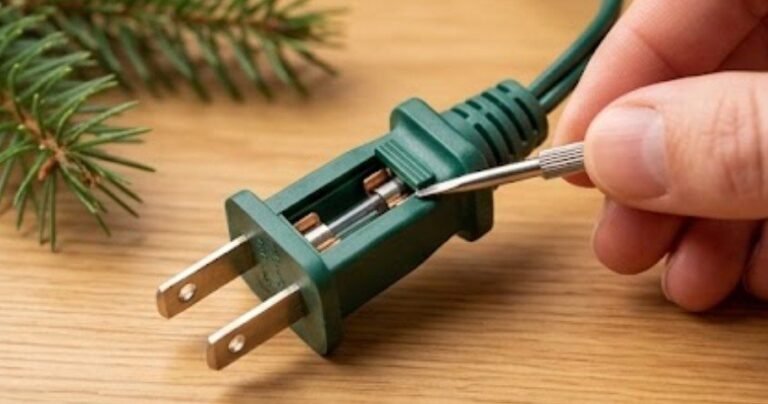
A smart home upgrade often sounds simple: replace an old wall switch, connect your lights, and enjoy app control or voice commands. But when homeowners open the switch box in an older US home, they often discover an unexpected obstacle — there is no neutral wire available.
This small wiring difference can completely change the type of smart switch you need. Fortunately, modern technology has made it possible to install a smart switch without a neutral wire for LED lights and enjoy automated lighting without major electrical modifications.
However, not every no-neutral switch works perfectly with LED fixtures. Issues like flickering, faint glowing after shutdown, buzzing sounds, and connection problems usually happen when the switch and LED driver are not properly matched.
Understanding how these systems work before installation can save time, money, and frustration while helping you create a reliable smart lighting setup.
Why Do Smart Switches Usually Need a Neutral Wire?
Traditional light switches simply turn electricity on and off. They do not need their own power source because they are only controlling the flow of electricity to the fixture.
Smart switches are different. They contain electronic components such as processors, wireless chips, and sensors that need continuous power even when the lights are turned off. A standard smart switch uses the neutral wire to create its own dedicated power circuit.
Many newer homes in the US include neutral wires inside switch boxes, but older homes often do not. Instead, the neutral connection runs directly to the light fixture while only the hot and load wires reach the wall switch.
This wiring limitation does not prevent smart home upgrades. No-neutral smart switches were designed specifically for these situations.
How Does a No-Neutral Smart Switch Work?
A no-neutral smart switch powers itself by allowing a very small amount of electricity to pass through the lighting circuit even when the light is switched off. This is often called power stealing or leakage current technology.
The switch sends a tiny current through the LED fixture and back through the neutral connection at the light. This small amount of electricity keeps the smart switch electronics active so it can maintain Wi-Fi, Zigbee, or Z-Wave communication.
With older incandescent bulbs, this tiny current usually does not create noticeable problems. However, LED lights work differently because they consume much less electricity and use electronic drivers.
That efficiency creates the biggest compatibility challenge.
Why Do LED Lights Flicker With a No-Neutral Smart Switch?
LED bulbs are highly efficient, which means they can react to even a small amount of standby electricity.
When a no-neutral smart switch sends a tiny current through an LED bulb, the internal LED driver may slowly store that energy. Once enough energy builds up, the bulb can briefly turn on before releasing the stored power. This cycle can repeat continuously, causing flickering or flashing.
Common problems include:
LED Flickering or Flashing
The bulb may blink randomly because the internal electronics are receiving small amounts of power when they should remain completely off.
Ghost Lighting
Some LED bulbs may produce a faint glow after the switch is turned off. This happens because the standby current partially activates the LED driver.
Buzzing or Humming
In some cases, the low electrical current can cause the bulb or internal components to create an audible humming sound.
These problems are not always caused by a faulty switch. They are usually the result of compatibility issues between the switch and the LED driver.
How Can You Fix LED Flickering Problems?
The easiest solution is to use a compatible LED bulb, but some installations require an additional component.
A smart switch without a neutral wire for LED lights often works best when paired with a bypass capacitor or anti-flicker module. This small device is installed at the light fixture and provides an alternative path for the small standby current. Instead of passing through the LED driver, the excess current is redirected through the bypass component.
Most bypass modules are installed between the load and neutral wires at the ceiling fixture, not inside the wall switch box. Always follow the manufacturer’s wiring instructions or consult a licensed electrician if you are unfamiliar with electrical work.
Why Is a Bypass Capacitor Important?
A bypass capacitor acts like a stabilizer for low-power lighting circuits.
Without it, the LED bulb may absorb the leftover current from the smart switch. With it, the current has another route, allowing the smart switch to stay powered while preventing unwanted LED behavior.
A bypass capacitor is especially useful when:
- You are using very low-wattage LED bulbs.
- A single LED fixture is connected to the switch.
- The LED lights glow after turning off.
- The smart switch disconnects or behaves inconsistently.
Some modern no-neutral switches are designed with improved internal electronics and may not require a bypass in every situation. However, checking the manufacturer’s compatibility list before installation can prevent problems.
What LED Bulbs Work Best With No-Neutral Smart Switches?
Not all LEDs perform equally with no-neutral technology.
I recommend choosing high-quality dimmable LED bulbs from reputable manufacturers. Dimmable LEDs generally use better internal drivers and are more likely to handle small electrical fluctuations.
You should also check the minimum load requirement of your smart switch. A single low-power LED bulb, such as a 4W or 5W model, may not provide enough load for certain no-neutral switches to operate properly.
Before purchasing, check:
- LED compatibility ratings
- Minimum wattage requirements
- Dimming support
- Need for a bypass module
- Maximum load capacity
These details are especially important when upgrading recessed lighting, chandeliers, bathroom fixtures, or under-cabinet LEDs.
Should You Choose Wi-Fi, Zigbee, or Z-Wave Smart Switches?
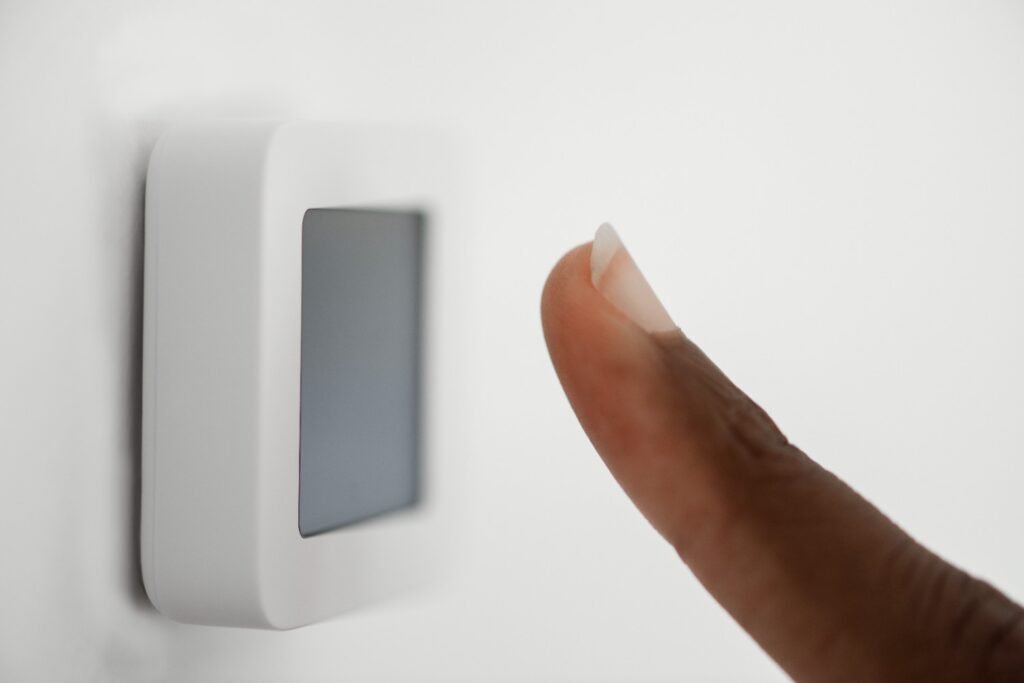
The communication protocol can also affect your experience.
Wi-Fi smart switches are popular because they connect directly to your home network and usually work well with Alexa and Google Home. They are simple for homeowners who want basic automation without additional hardware.
Zigbee smart switches are often preferred for larger smart homes because they create a mesh network through compatible hubs. They typically use less standby power than many Wi-Fi devices.
Z-Wave smart switches are another reliable option because they operate on a separate wireless frequency, reducing congestion from other household Wi-Fi devices.
For a no-neutral installation, lower-power communication methods can be beneficial because the switch has stricter power limitations.
Can Older US Homes Use No-Neutral Smart Switches?
Yes, many older homes can use these switches successfully. This is one of the biggest advantages of no-neutral technology.
Instead of opening walls and adding new wiring, homeowners can modernize existing lighting circuits with compatible smart switches.
However, safety should always come first. Turn off power at the breaker before working on any electrical connection. If your wiring is outdated, unclear, or does not match the installation instructions, hiring a licensed electrician is the safest approach.
Smart Switch vs Smart Bulb: Which Is Better?
Smart bulbs are easier because they simply screw into existing fixtures. They offer excellent features like color adjustment, brightness control, and scheduling.
However, smart bulbs depend on the wall switch staying powered. If someone turns off the physical switch, the bulb loses its smart connection.
A smart switch provides a more natural experience because everyone in the home can continue using the wall switch while also controlling lights through an app or voice assistant.
For family homes and shared spaces, I usually prefer smart switches because they combine convenience with normal operation.
Frequently Asked Questions (FAQs)
1. Can I install a smart switch without a neutral wire for LED lights?
Yes, but the switch and LED bulbs must be compatible. Some setups may require a bypass capacitor to prevent flickering or ghost lighting.
2. Why do my LED lights glow after installing a no-neutral smart switch?
The glow usually happens because the switch sends a small standby current through the LED fixture to power itself.
3. Do all smart switches need a neutral wire?
No. Many newer models are designed specifically for homes without neutral wiring.
4. Is Zigbee better than Wi-Fi for a no-neutral smart switch?
Zigbee and Z-Wave can be excellent choices because they generally require less standby power than many Wi-Fi devices.
Final Thoughts
Installing smart lighting in an older home does not always require expensive rewiring. A properly selected smart switch without a neutral wire for LED lights can provide reliable automation, voice control, and energy-efficient lighting upgrades. If you experience issues such as a smart bulb not responding to Alexa, it is often related to compatibility, network connectivity, or communication between your smart devices rather than the bulb itself.
The key is understanding how no-neutral technology interacts with LED drivers. Choosing compatible bulbs, checking minimum load requirements, and using a bypass capacitor when needed will help you avoid common problems.
With the right combination of hardware, even homes built decades ago can enjoy the convenience of modern smart lighting while maintaining reliable performance and easy voice control.